
JPEG is a compressed image file format used for photographs and other continuous-tone images. It stands for Joint Photographic Experts Group, the committee that helped create the standard. JPEG became the default way to store and share digital pictures because it keeps file sizes relatively small while preserving enough visible detail for screens, print workflows, and fast web delivery.
Stories from JPEG
11 stories


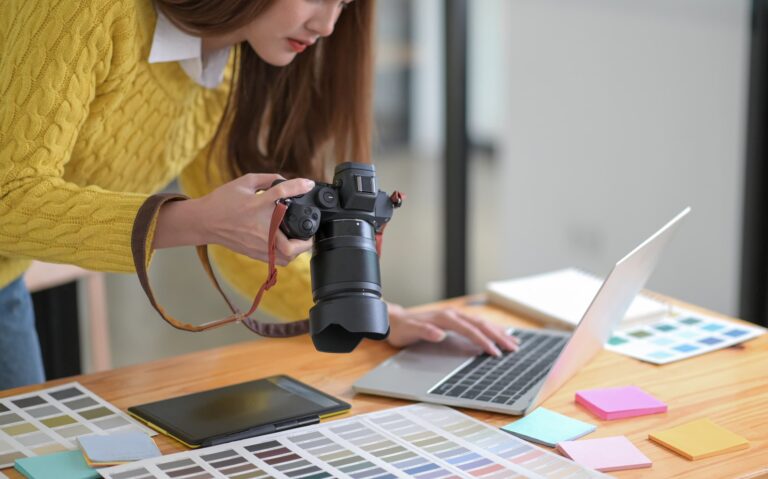


About JPEG
- JPEG uses lossy compression, which removes some image data to reduce file size.
- It is strongest for photographs, gradients, and complex textures, not sharp-edged graphics or text.
- Repeatedly saving a JPEG can introduce visible artifacts such as blockiness, ringing, and color smearing.
- It supports broad compatibility across cameras, software, operating systems, and browsers.
- In design and imaging workflows, JPEG is often used for previews, publication images, and distribution copies rather than master files.
Read the full overviewHow JPEG works, Why JPEG became so important, What JPEG looks like in practice, When JPEG is the wrong choice
How JPEG works
JPEG compresses images by grouping pixels into blocks, then simplifying the visual information inside each block. It reduces detail that the eye tends to notice less, especially in areas of similar tone or color. This makes the format efficient for photographs, where subtle transitions matter more than perfectly crisp edges.
The result is a small, widely readable file, but not a lossless one. Each time a JPEG is encoded, the software makes new decisions about what to keep and what to discard. That is why a heavily compressed JPEG can show artifacts around edges, in shadows, or in areas with fine texture such as hair, foliage, fabric weave, or painted surfaces.
Why JPEG became so important
JPEG spread because it solved a practical problem at the right time. Early digital storage and internet connections were limited, so reducing image size mattered. Cameras, scanners, desktop publishing tools, and websites all benefited from a format that looked good enough while moving quickly across slow hardware and networks.
Its success also came from compatibility. JPEG became a common denominator across consumer and professional imaging systems, which made it easy for photographers, editors, print shops, and web publishers to exchange files. That broad support helped define the visual habits of the digital age: compressed, easily shared imagery became normal.
What JPEG looks like in practice
In everyday use, JPEG files are the default output from many cameras and phones, especially when the goal is a finished image rather than a working source file. They are also common in magazines, e-commerce, archives, and editorial websites because they balance visual quality with manageable file size. For a photograph of an object, a room, a painting, or a rendered scene, JPEG usually delivers a clean image quickly.
In design and production workflows, the format is often treated as a delivery stage rather than a starting point. Artists and designers may work from layered source files or higher-quality formats, then export JPEGs for review, upload, or publication. That makes JPEG less a creative technique than a standard output condition: the final, compressed version of an image that has already been made elsewhere.
When JPEG is the wrong choice
JPEG performs poorly for images that need sharp lines, flat colors, or transparent backgrounds. Logos, interface elements, diagrams, and text-heavy graphics usually look worse as JPEGs because compression can soften edges and create halos or noise. Formats designed for clean edges or lossless storage usually serve those uses better.
JPEG also does not preserve layers, masks, or editable construction details. For makers working in 3D rendering, texture painting, illustration, or retouching, that matters because the file keeps the final picture, not the process behind it. The format is useful precisely because it simplifies; that same simplification makes it a poor archival master.
Frequently Asked Questions
Is JPEG the same as JPG?
Yes. JPG and JPEG refer to the same file format. The shorter three-letter extension became common on older systems that limited file names, while JPEG reflects the full name of the standard.
Does JPEG always reduce quality?
JPEG always uses lossy compression, but the visible loss depends on how the file is saved. A high-quality JPEG can look nearly identical to the original for many uses, while a low-quality one can show obvious artifacts. The more a file is recompressed, the more likely the damage becomes noticeable.
When should a JPEG be exported instead of a PNG or TIFF?
JPEG suits photographs and other images where small file size matters more than perfect fidelity. PNG usually works better for graphics with transparency or sharp edges, while TIFF often serves archival or print production needs because it can preserve more data. The choice depends on whether the goal is sharing, editing, or long-term storage.