


The Dual Pixel 3D Converter offers a groundbreaking way for photographers to delve into 3D imagery without extra equipment. This Windows-only software leverages depth data from Canon EOS R cameras using their advanced technology to craft 3D models, stereoscopic photos, and MP4 videos—all without the need for specialized 3D cameras.
Revolutionizing Photography with Canon’s Dual Pixel 3D
Canon’s latest innovation, announced alongside the EOS R8 II, is this free software that transforms single images from compatible cameras into immersive 3D content. By harnessing the sensor data from this system, it bypasses the requirement for dual-lens setups, opening new creative possibilities for photographers.
Understanding Canon’s Dual Pixel Process
Dual Pixel 3D Converter uses depth and phase-detection data from Dual Pixel Raw files or JPEGs from the EOS R8 Mark II, once the right settings are enabled. It supports exporting as OBJ or GLB models, or MP4 videos with dynamic 3D perspectives. Ideal subjects include items with clear depth, like products and food, demonstrating how this technology enhances detail.
For a deeper appreciation of 3D transformations in photography, check out how Marcin Giba’s ‘The Last Winter’ won top honors for minimalist photography with its innovative techniques.
Optimal Conditions and Customization
Canon advises sharp image capture at apertures between F5.6 and F8, with ISO under 1600. Subjects with fine detail or reflective surfaces may pose challenges. Users can adjust the 3D depth effect, which is possible thanks to the depth data, or modify backgrounds to refine their creations before exporting.
Camera and Lens Compatibility
The software is compatible with eight EOS R-series cameras and specific Canon lenses. This tool is especially useful for photographers and businesses looking to create interactive product visuals or shareable content without investing in complex scanning technology, all made more seamless with their sophisticated system.
Source: dpreview.com
Frequently asked questions
What does Canon’s Dual Pixel 3D Converter do?
The Dual Pixel 3D Converter transforms EOS R photos into immersive 3D models, stereoscopic photos, and MP4 videos using depth data from Canon cameras.
What type of files can the conversion software export?
It supports exporting as OBJ or GLB models, or MP4 videos with dynamic 3D perspectives.
What are the optimal conditions for using the Dual Pixel 3D Converter?
Canon advises sharp image capture at apertures between F5.6 and F8, with ISO under 1600, for best results.
More in
Technology
All Technology


More like this

Creating Engaging Videos: An Advanced Guide to Video Production

Tips on Managing Photographs on a MacBook
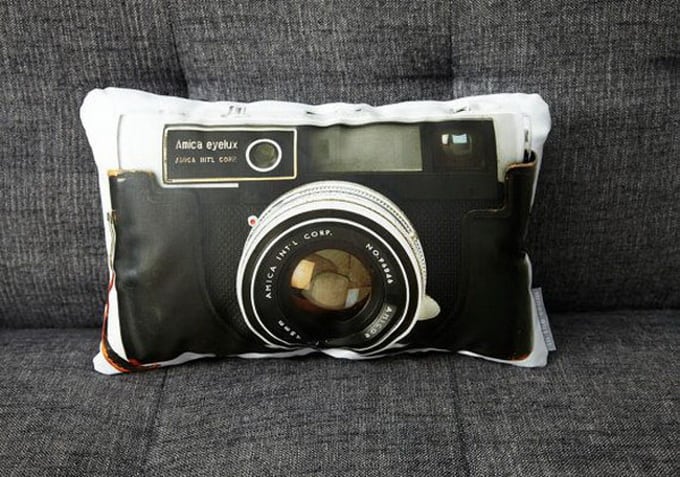
Vintage Camera Pillow Series by Ronda J. Smith

The top 4 trending DSLR Glidecam of 2019

Nikon Z5 IIC Delivers Full-Frame Power with Simplified Features for a Lower Cost
